

본문
[Industrial safety VR] Forklift Overturn VR
safeplus
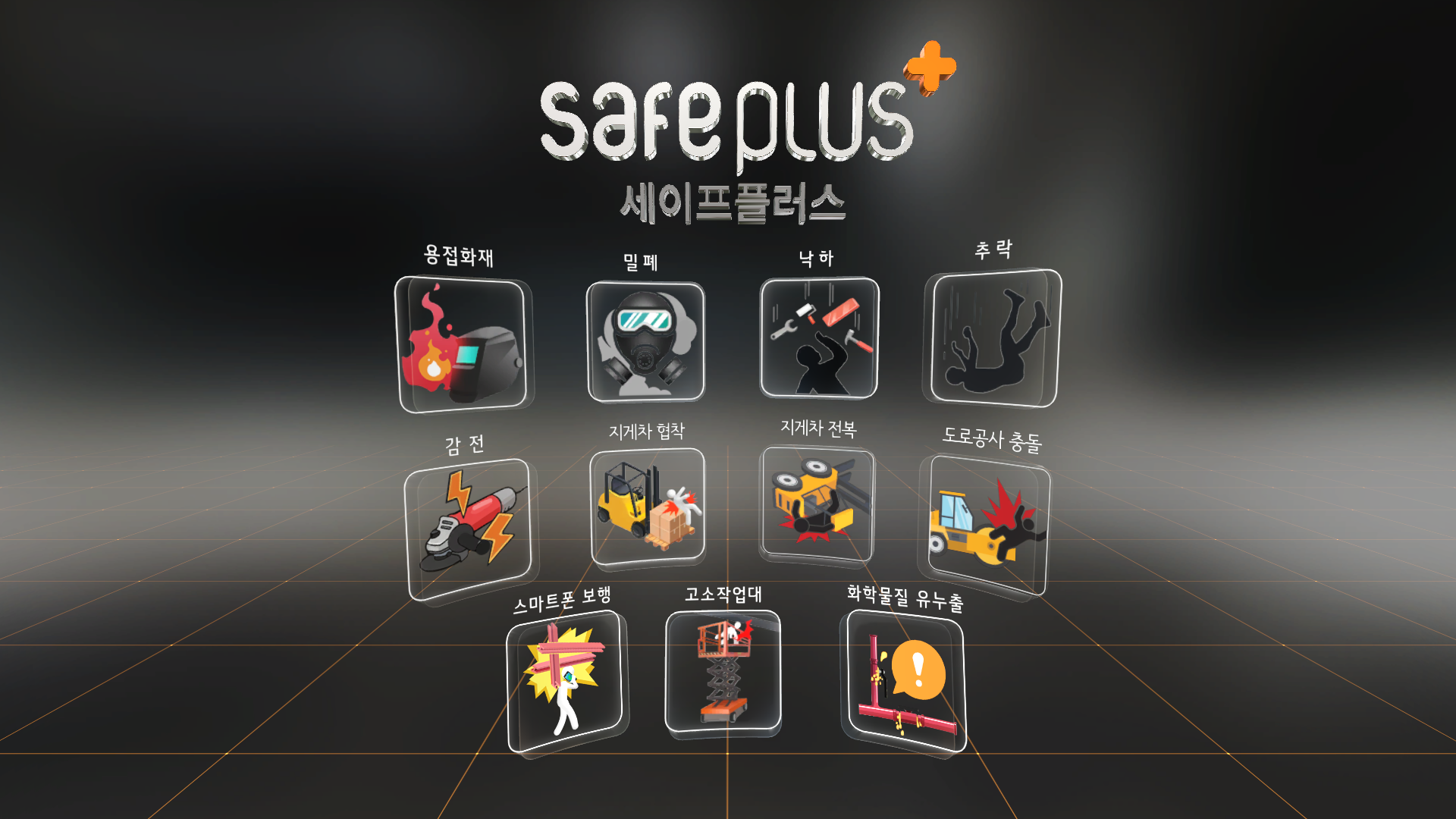
11 types of occupational safety VR
Safeplus is a VR education system that allows you to experience safety accidents that may occur in industrial sites. In addition to the construction site, it can be applied to various industries such as manufacturing, and was developed with the aim of maximizing the educational effect through realistic experiences and contributing to the prevention of industrial accidents and the establishment of a safety culture.
Content
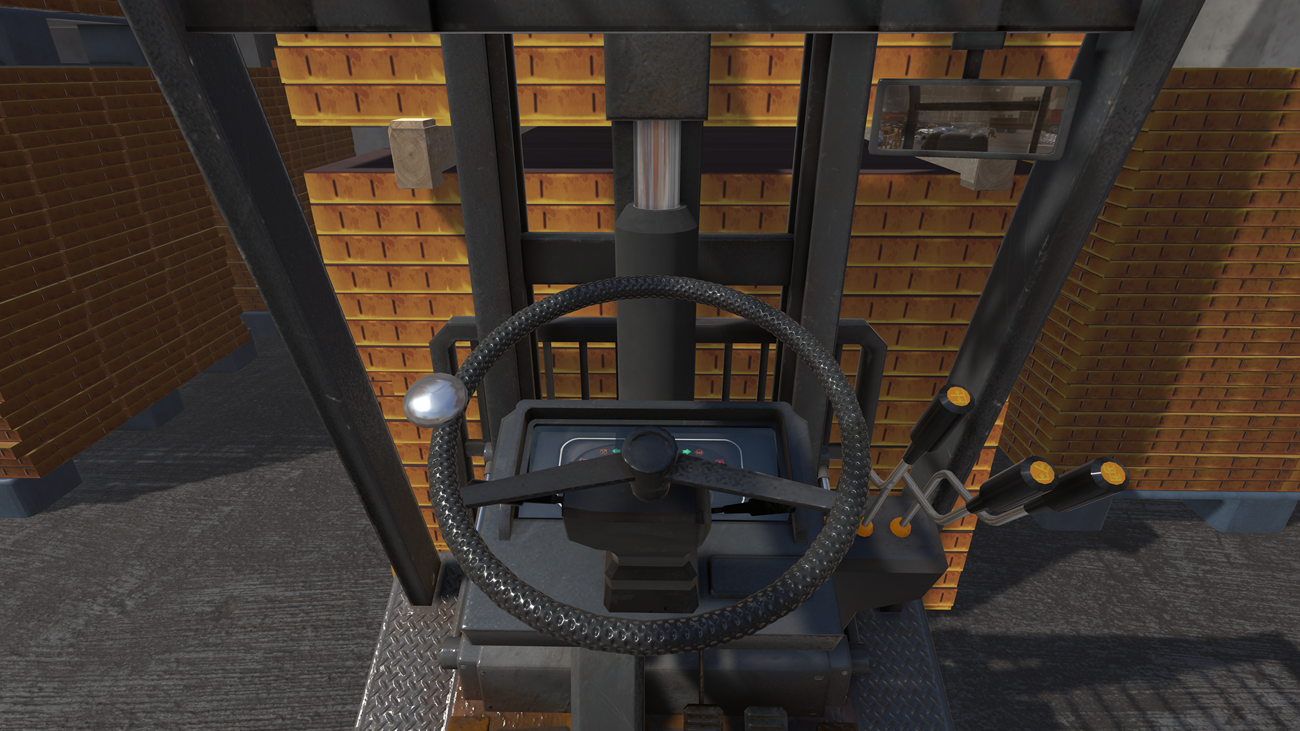
Forklift Overturn VR
Learn the importance of checking the safety belt and preventing speeding before work through cases of overturning accidents that occurred while driving at speed without wearing a safety belt while driving a forklift. This content was developed to experience and practice preventive measures for safe work based on the forklift rollover accident caused by the carelessness of the worker at the actual industrial site.
Content Overview
|
1. Content : Forklift Overturn VR 2. Type : Industrial safety 3. Play time : 3 min 4. Operation: Streamlined(PC), Wireless(Mobile) 5. Devices : Vive pro2, Meta Quest3, Meta Quest3S, Pico 4, Pico 4 Ultra 6. Minimum space : 2m x 2m 7. Supported Language : Korean, English, Chinese, Vietnamese, Hindi |
Devices
※ Since each device has different features, if you have any questions about it, please contact (+82) 02-2675-8803 / 8804 for further consultation.
-
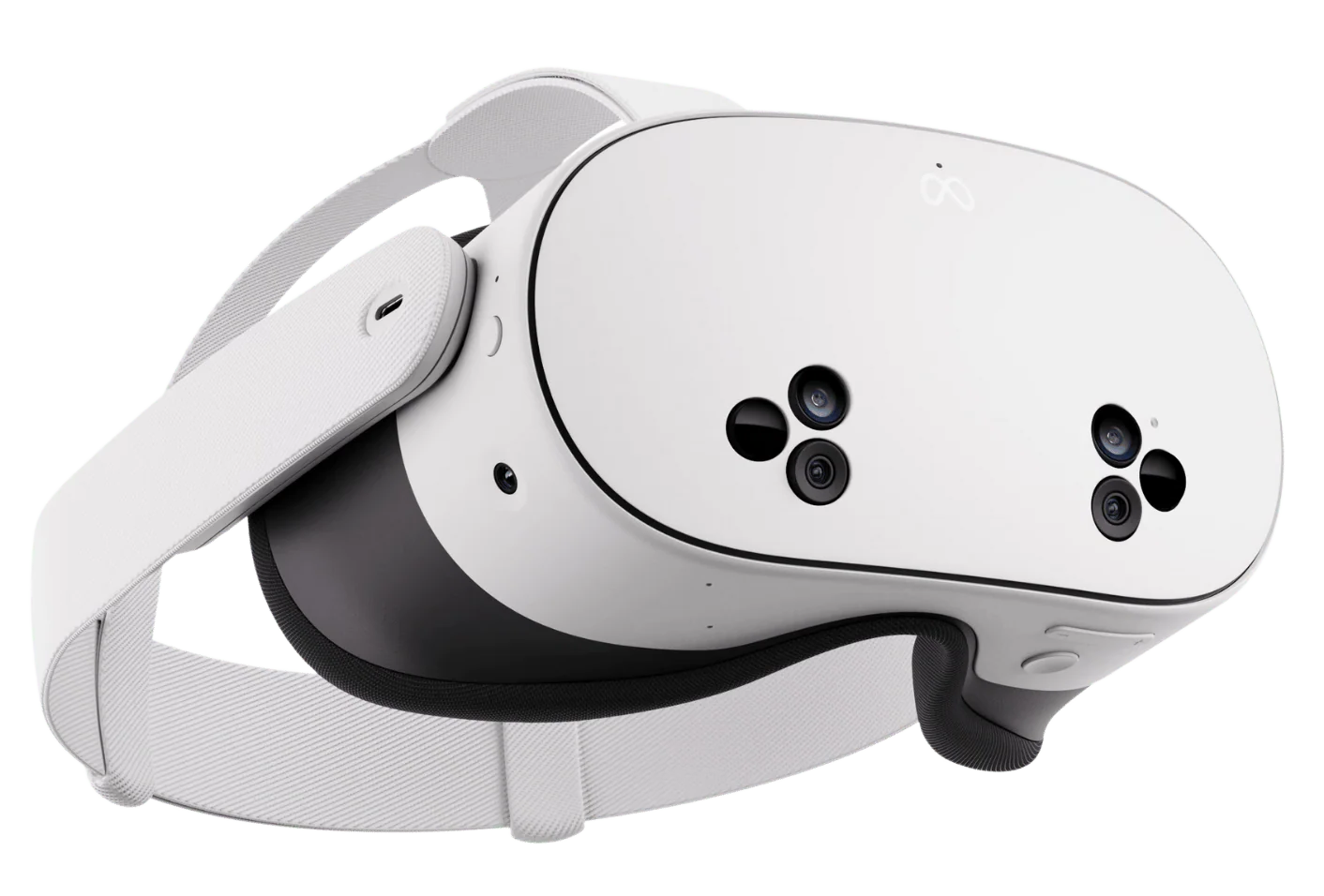
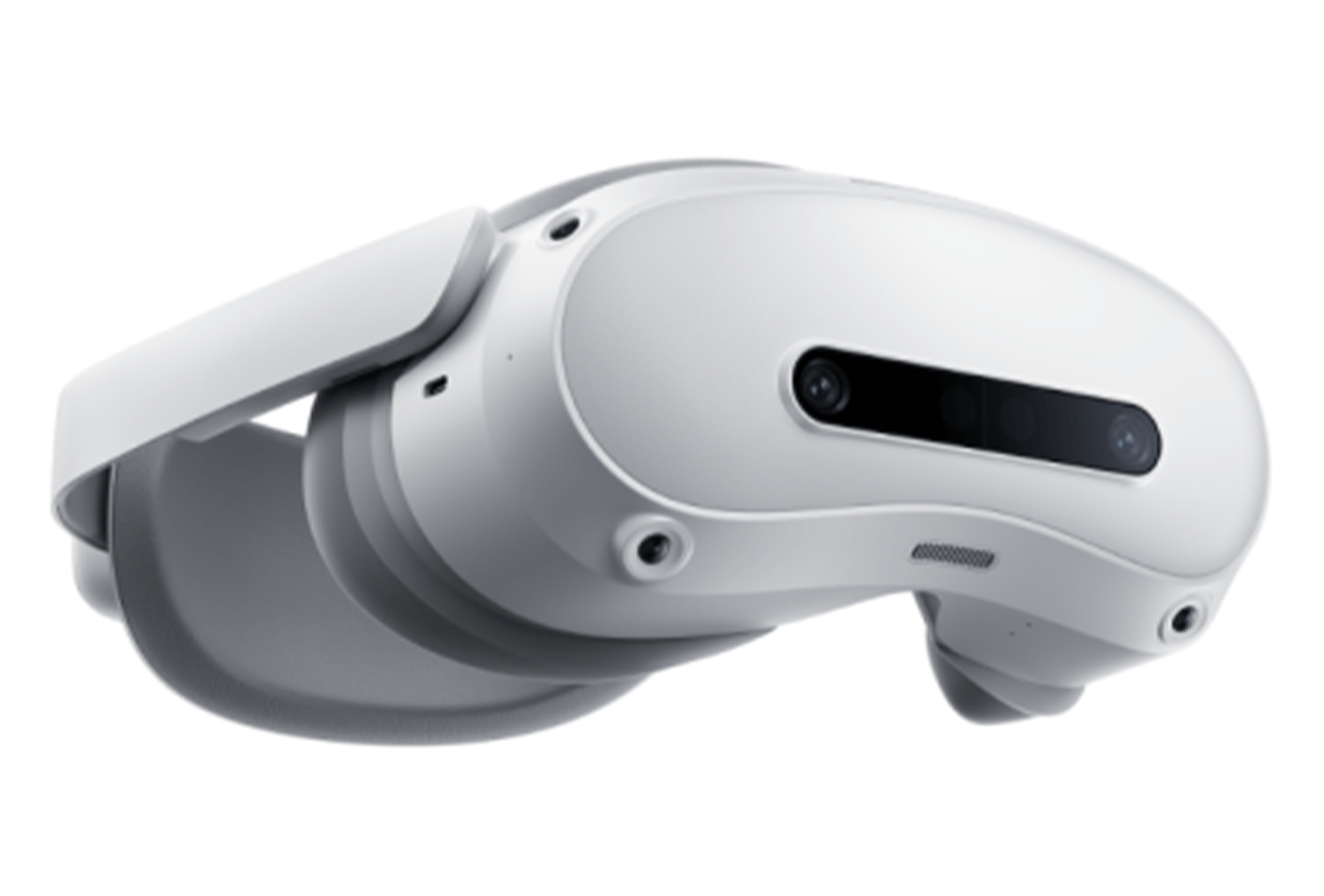
Meta Quest 2
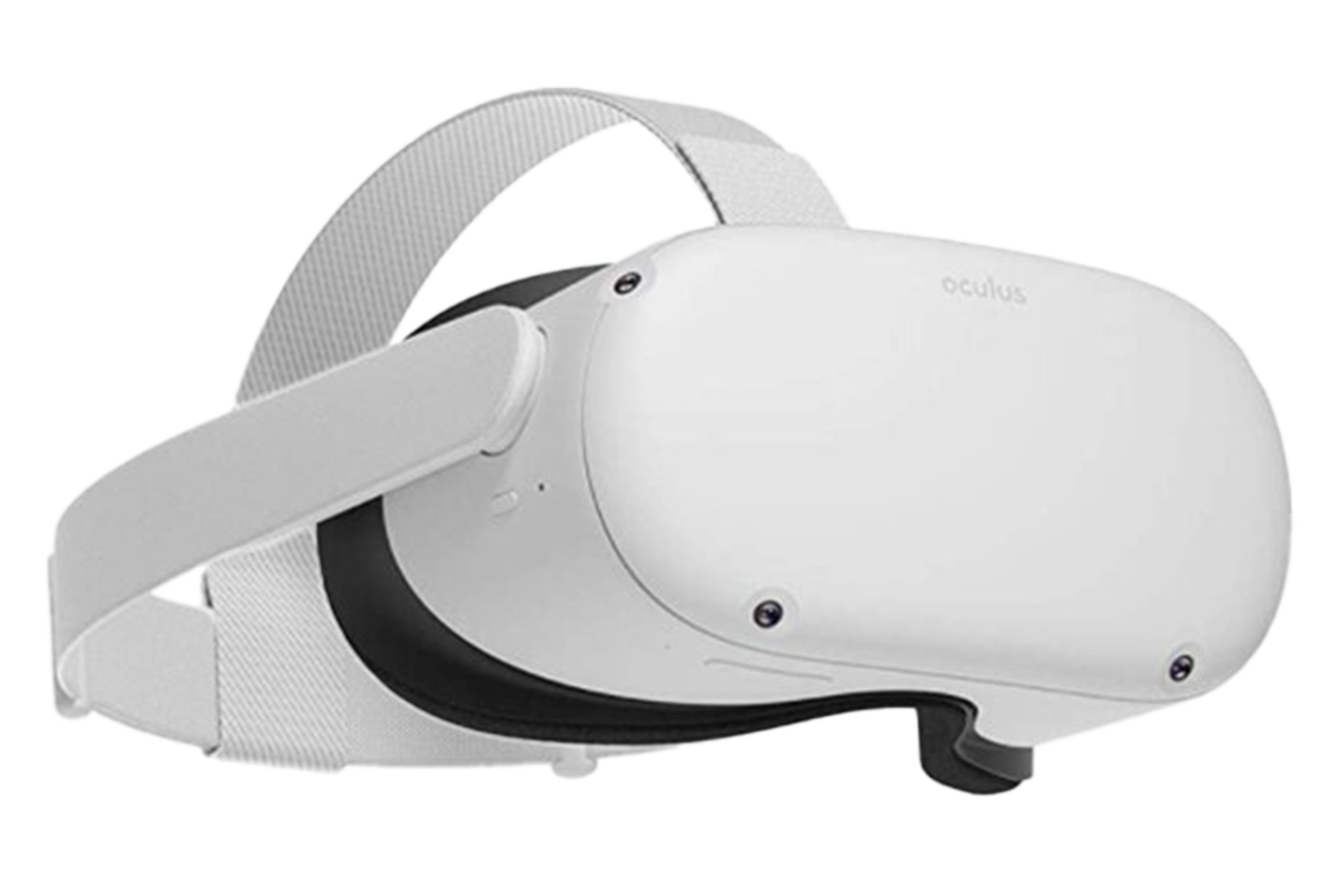
Wireless. Discontinued.
Only content compatible with existing purchased devices. -
Meta Quest 3
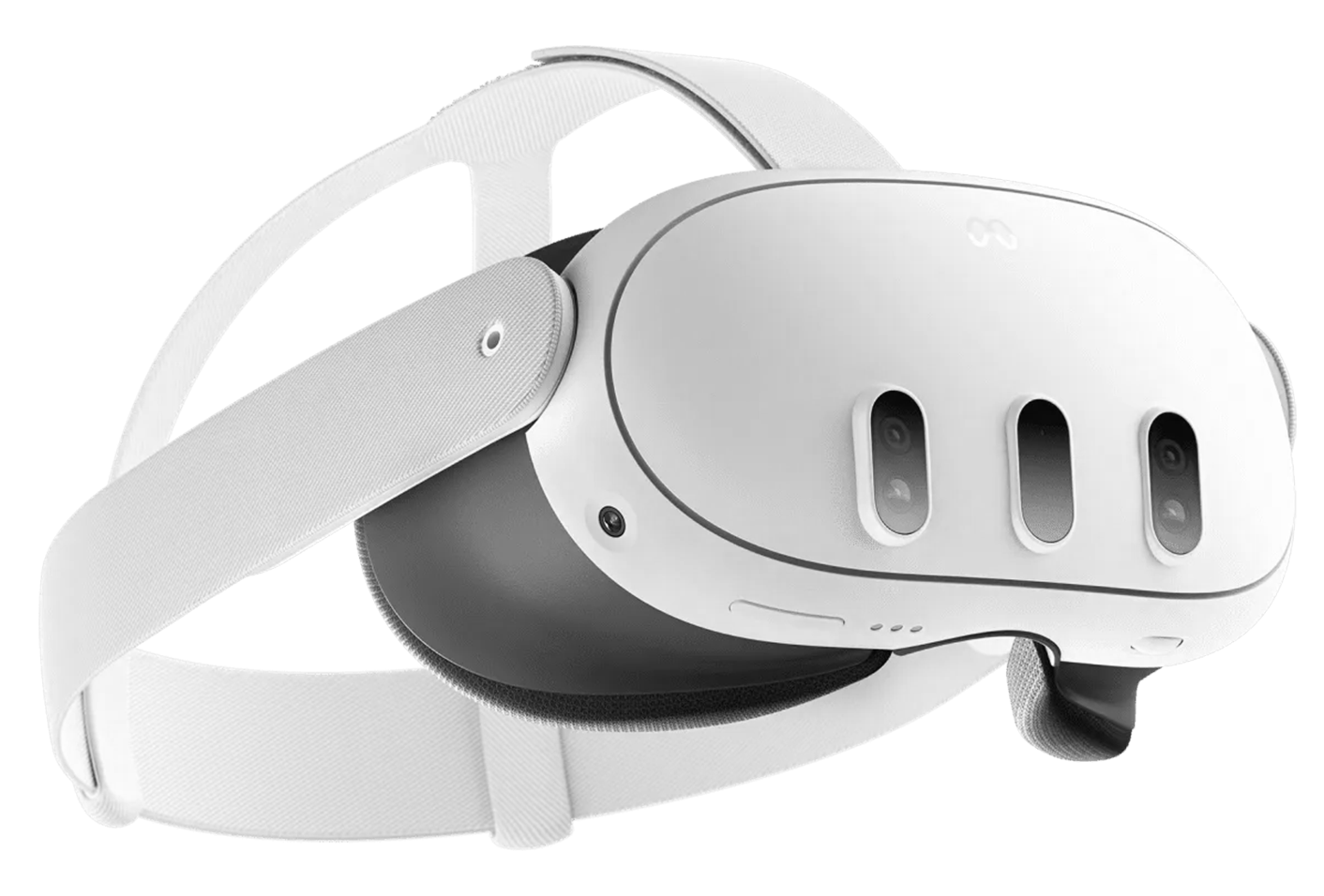
Wireless Only 512GB products available
If you own the device, only the content can be delivered separately. -
Vive PRO 2
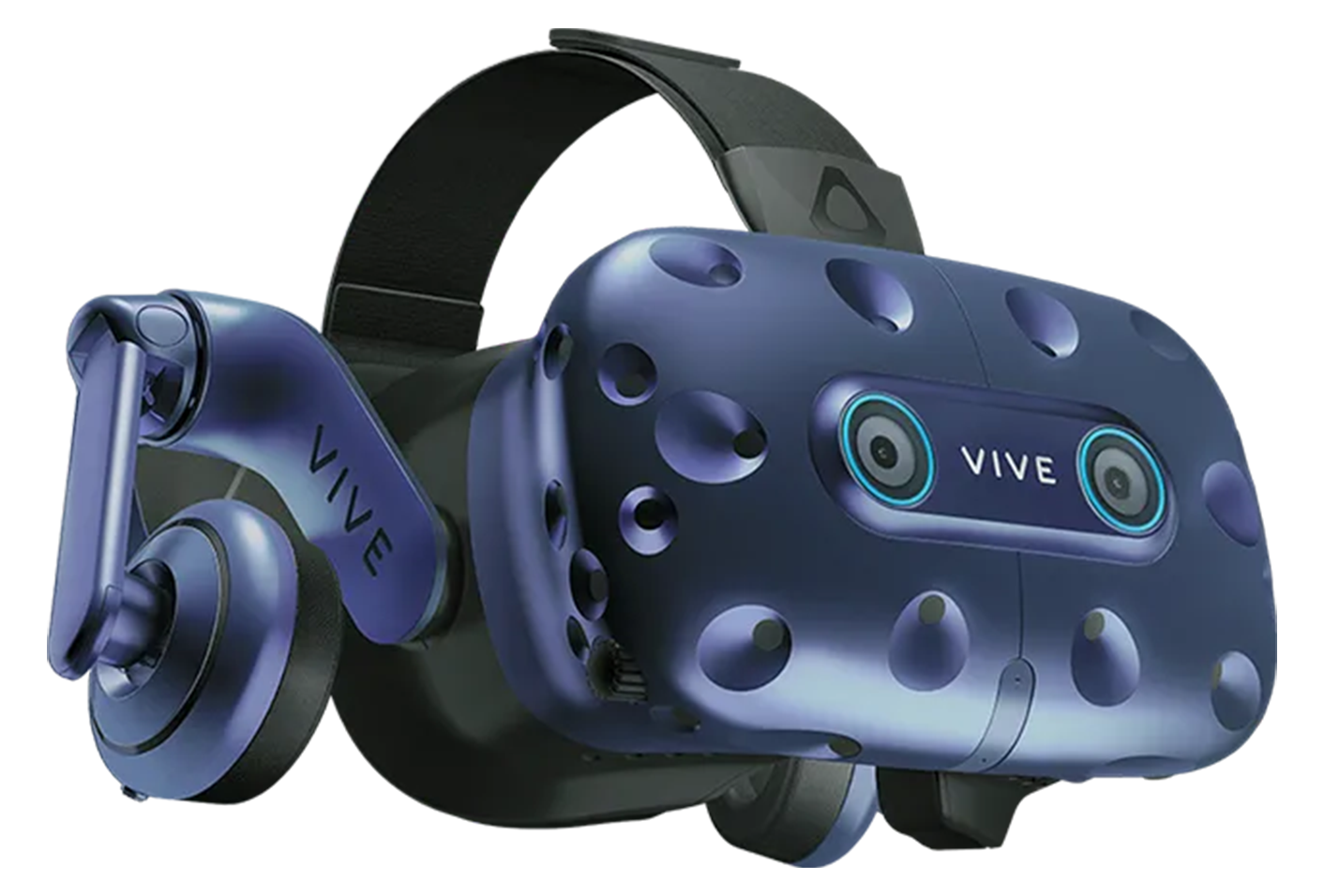
Streamlined High-performance VR
External simulator interworking is possible
Desktop Required
-
ㅁㄴㅇㅁㄴㅇㅇㅁㄴㅇㅁㄴㅇ ㄱ ㅅㅁㄴㅇㅁㄴㅇ3
Pre-Checklist
-
1
Choose between wired and wireless devices for training and operational purposes
Wired: Connecting PC and TV together allows managers to check in real time the trainee's progress (recommended for 1 to 3 units)
Wireless type: It is a type that is experienced with a single headset, and it is difficult to check the screen if you do not use a separate CMS program and mirroring function (recommended for large-scale deployments (up to 40 units)) -
2
Select the content you want
Peligood's industrial safety, disaster safety, disability experience, job experience, metaverse VR, and selection of about 20 contents -
3
Select the device type and simulator developed in conjunction with the desired content
Wire : Vibe Pro 2
Wireless : Meta Quest3, Meta Quest3S, Pico4, Pico4 UltraMeta : Frequent UI/UX updates and potential inconsistencies due to its consumer-centric nature, along with limited support for enterprise (B2B) services
PICO : Support Enterprise (B2B) Services, but Relatively High Amount Compared to Meta
-
Content Features
-
1
Realistic immersive safety training with CG-based graphics -
2
in a field-like environment Experience-driven learning delivery -
3
without time and place constraints efficient repetitive training -
4Integrated education that connects the cause of accident, accident experience, and safety measures
Content Composition
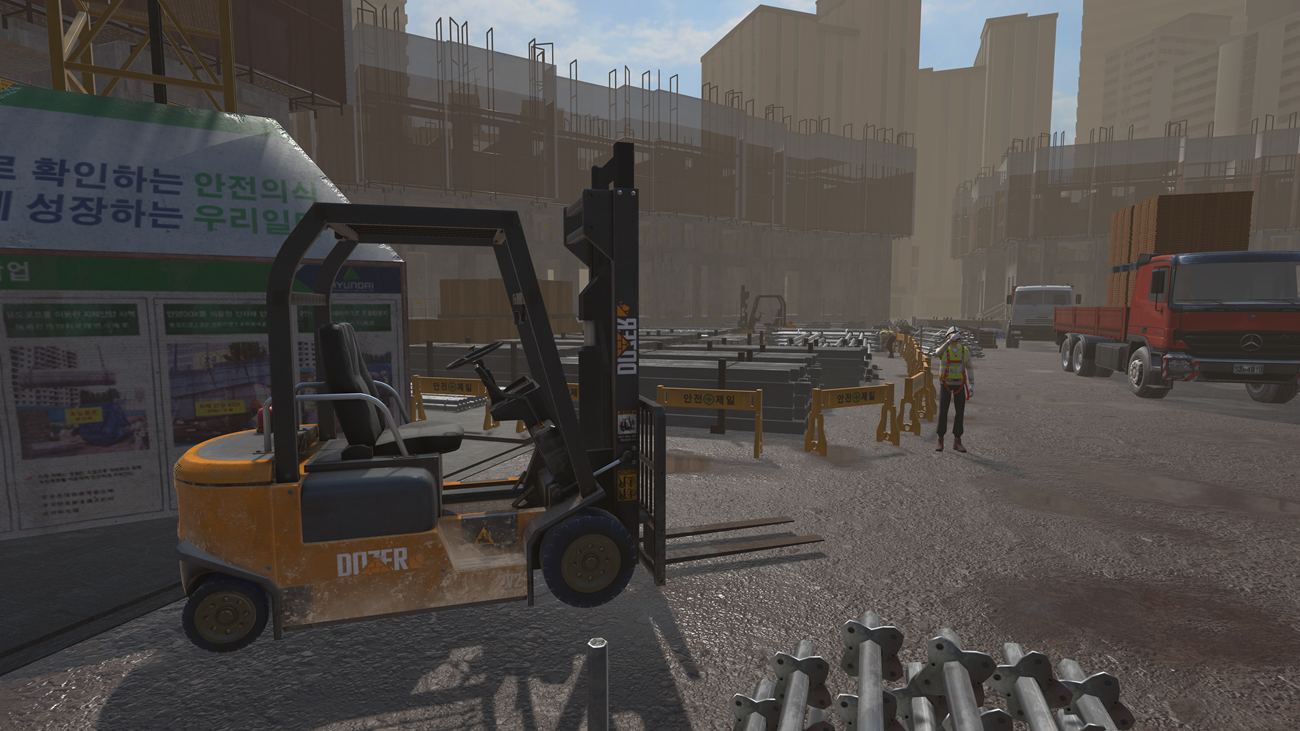
It is a scenario in which a worker who was driving a forklift without a safety belt experiences a capsized accident due to a sudden change of direction while driving at speed. Based on the forklift rollover accident at the actual industrial site, we understand the essential safety procedures to prevent accidents and the importance of preventing speeding, and provide experiences for a safe working environment.
-
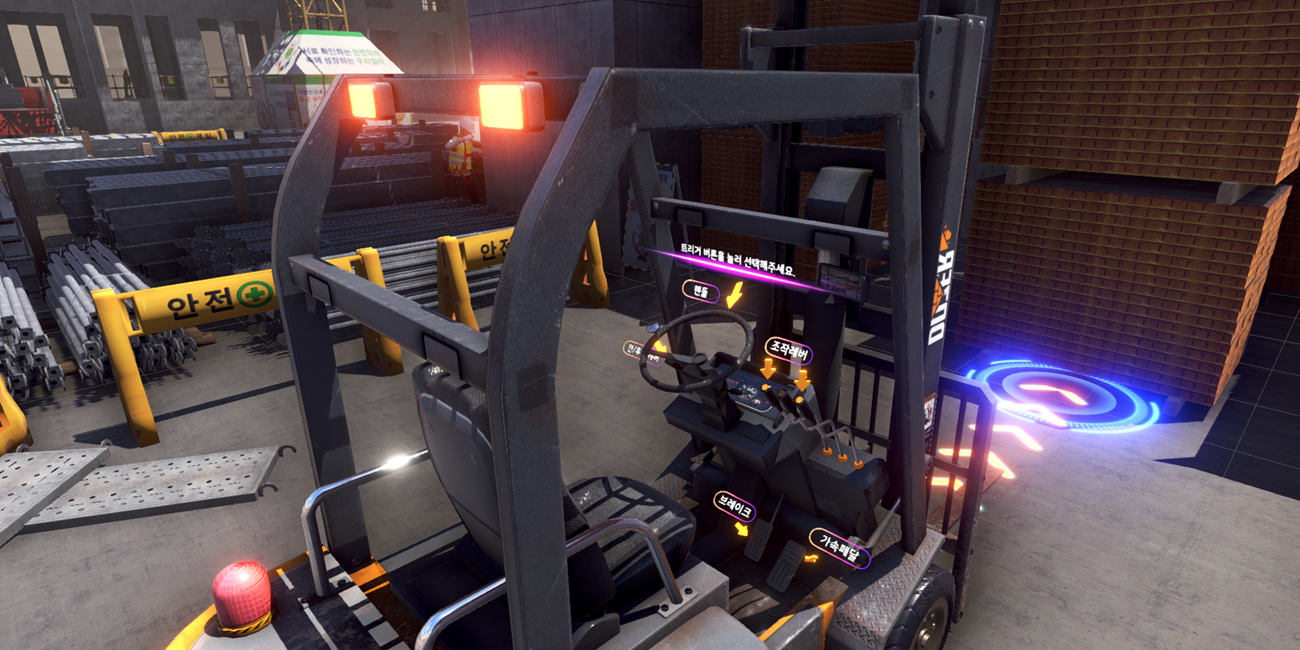 STEP 1Operation Start (Interaction)
Workers board a forklift to start loading with a forklift. Before driving, start driving without wearing a safety belt without checking the travel path and work plan.
-
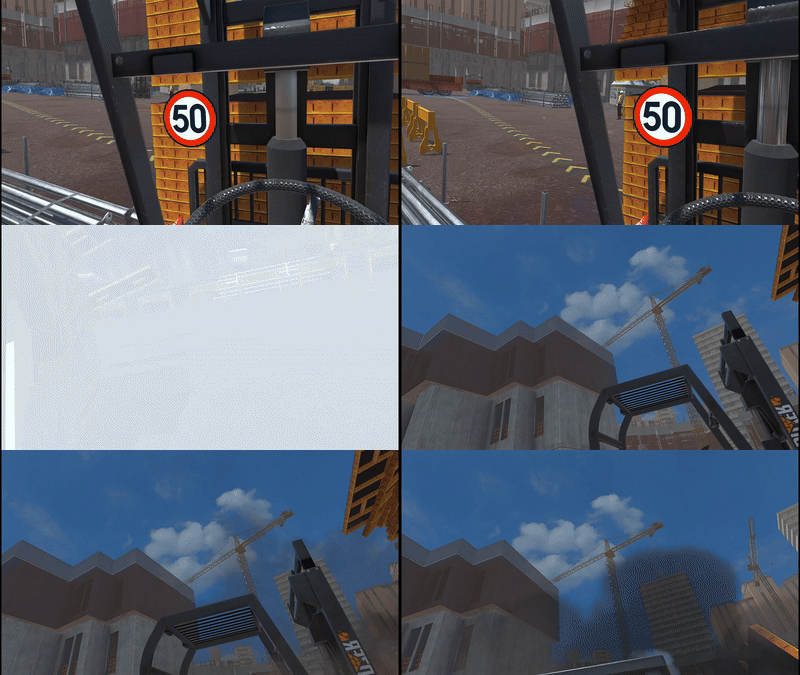 STEP 2Abalone accident (interaction)
Speeding forklifts without a safety belt, and driving without checking obstacles or slopes in the work area in advance. It goes over an unexpected slope and causes the forklift to become out of balance and roll over. Since the worker does not wear a safety belt, a large accident will occur due to a rollover accident.
-
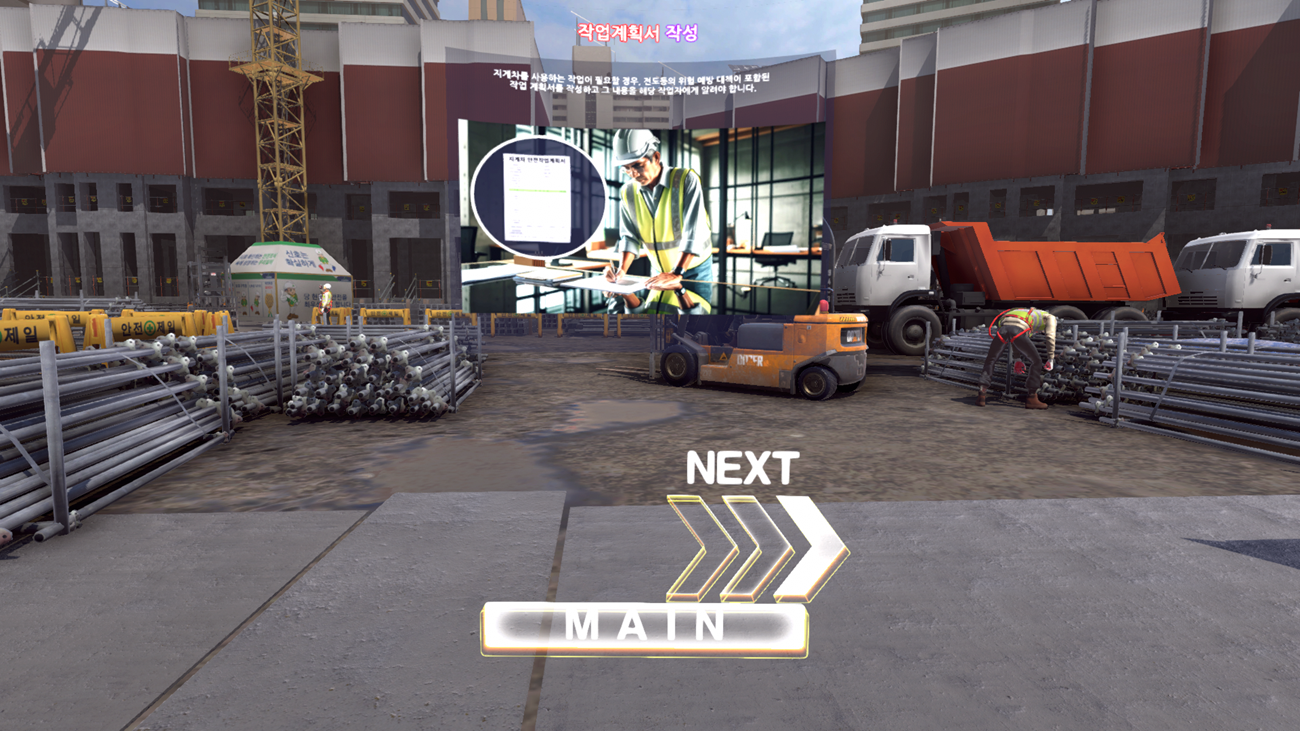 STEP 3Confirmation of safety measures
This accident is mainly caused by speeding and not wearing a safety belt, so you must wear a safety belt when driving a forklift, and you must check the travel path and obstacles and slopes in the work area before driving. Also, check information on preventing speeding while driving and avoiding sudden stops.
Development Types and Features
It is developed in three types, and you can choose it in consideration of the educational purpose and budget of the client.
The simulator can only be linked to wired devices.
Development HMD(VR Device)
Streamlined : Vive Pro2
Wireless : Meta Quest3, Meta Quest 3S, Pico4, Pico4 Ultra
-
1
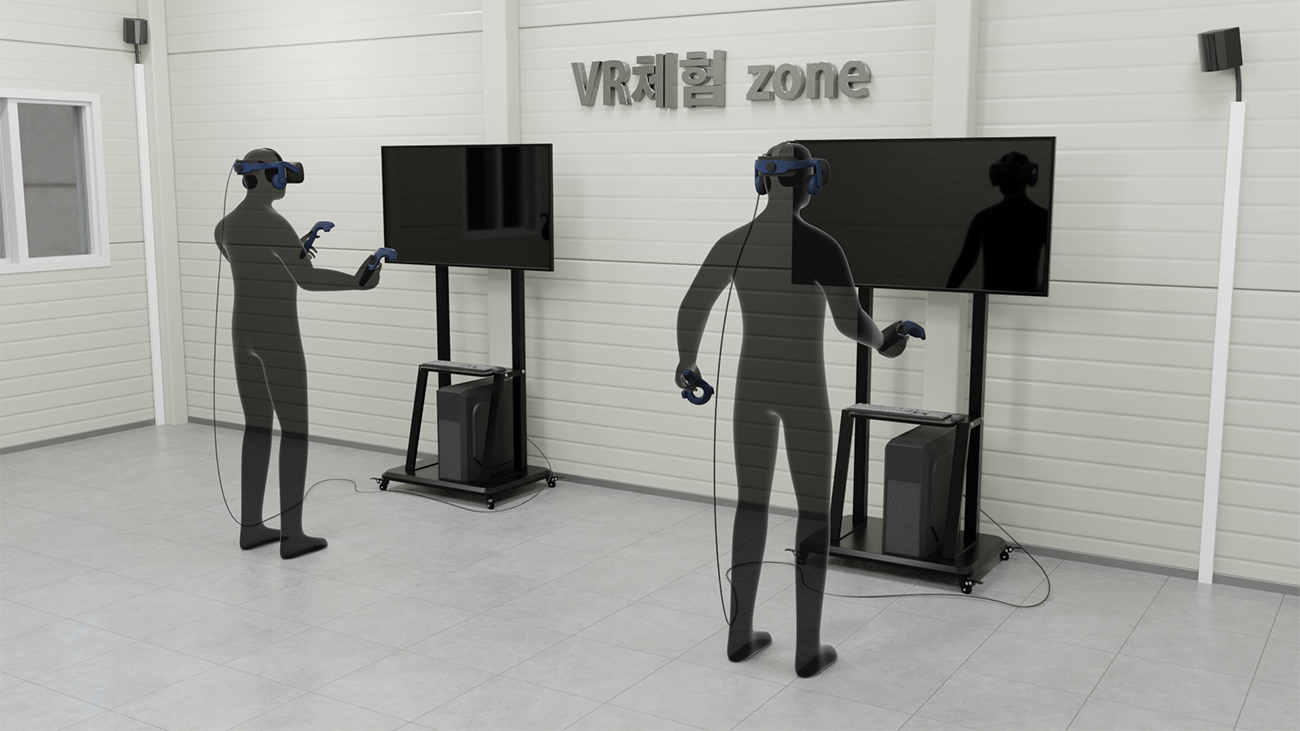
Streamlined (Simulator X)
- Connect with high-end PCs to provide high-resolution graphics-based immersion
- Maximize education and training with precise graphics and smooth VR implementation
- The user's screen can be connected to the TV to be checked in real time, making it easy to guide and check during training
-
2
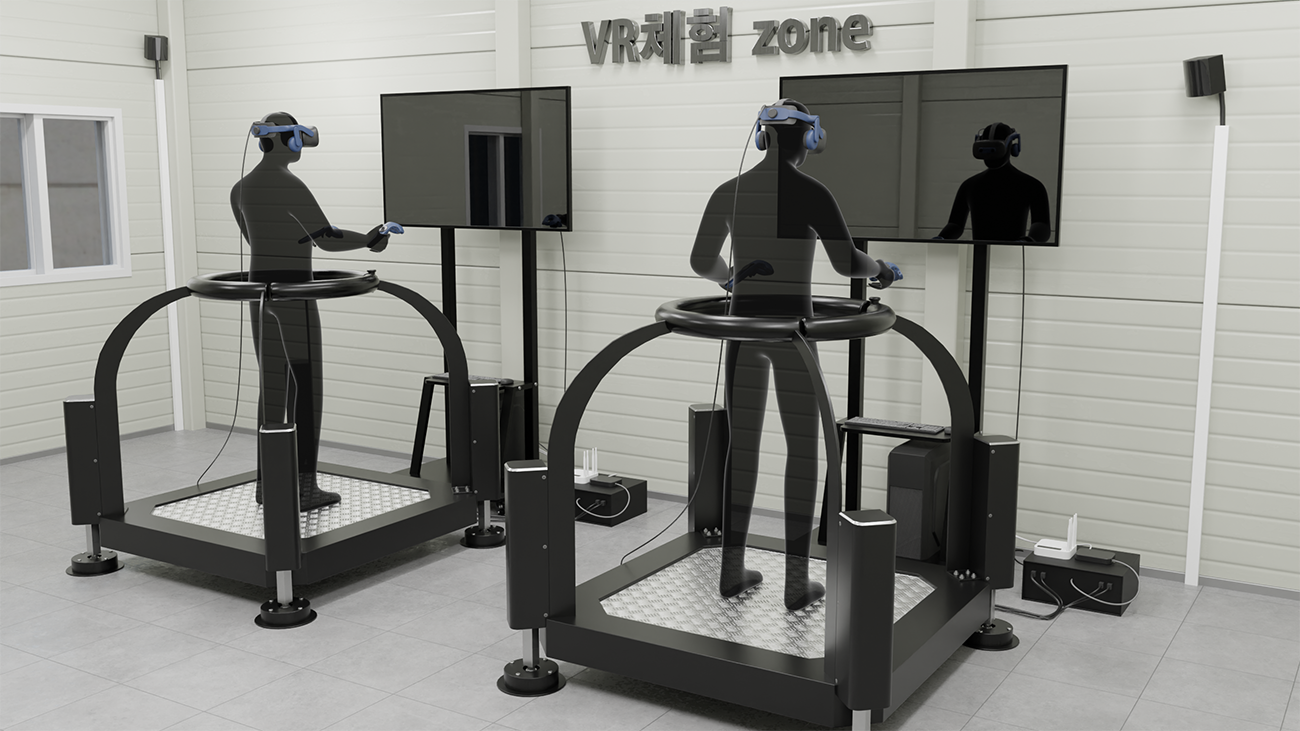
Streamlined (Simulator O)
- Connect with high-end PCs to provide high-resolution graphics-based immersion
- Maximize education and training with precise graphics and smooth VR implementation
- The user's screen can be connected to the TV to be checked in real time, making it easy to guide and check during training
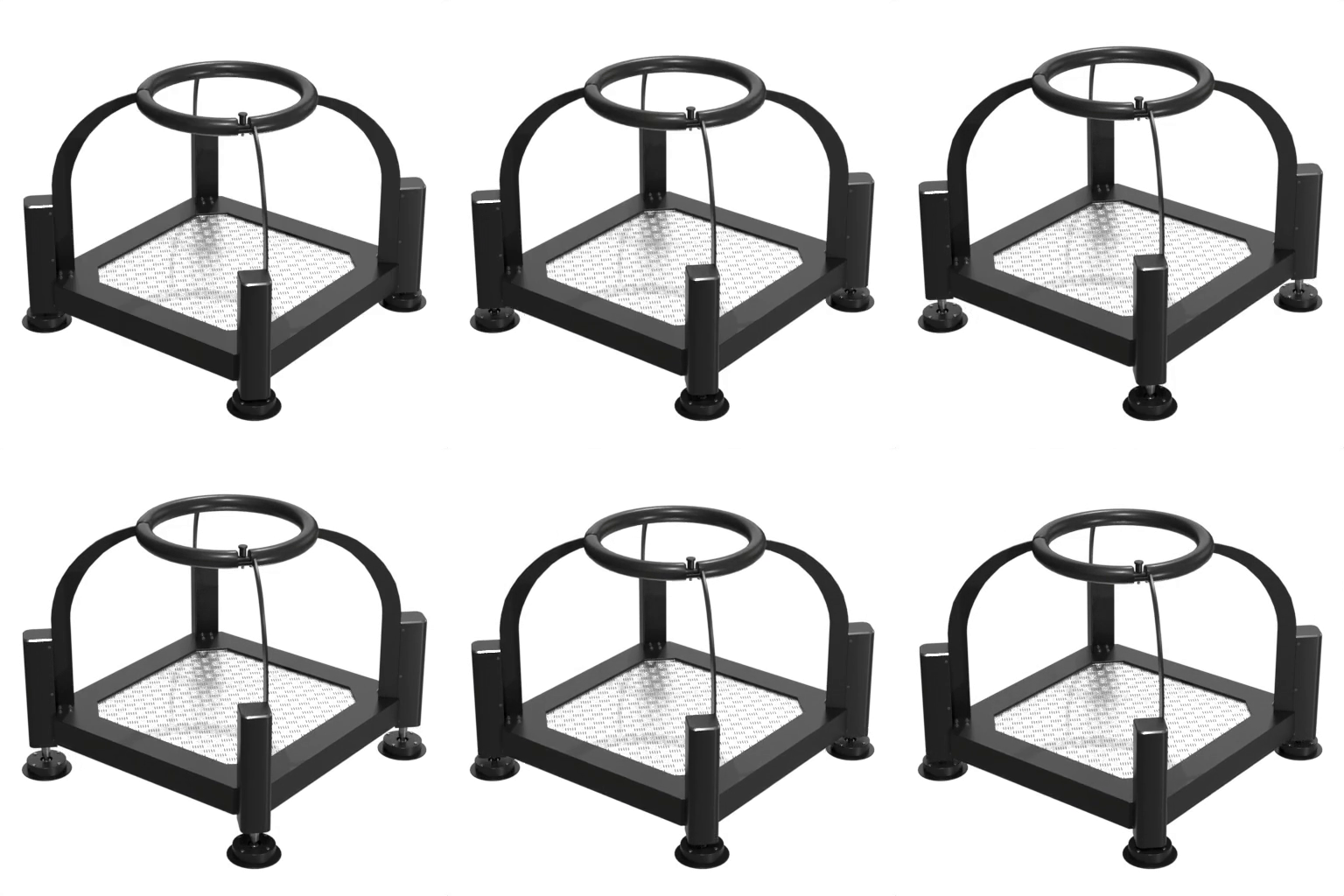
- Strengthen realistic physical experiences through 4-axis motion simulators and software interworking
-
3
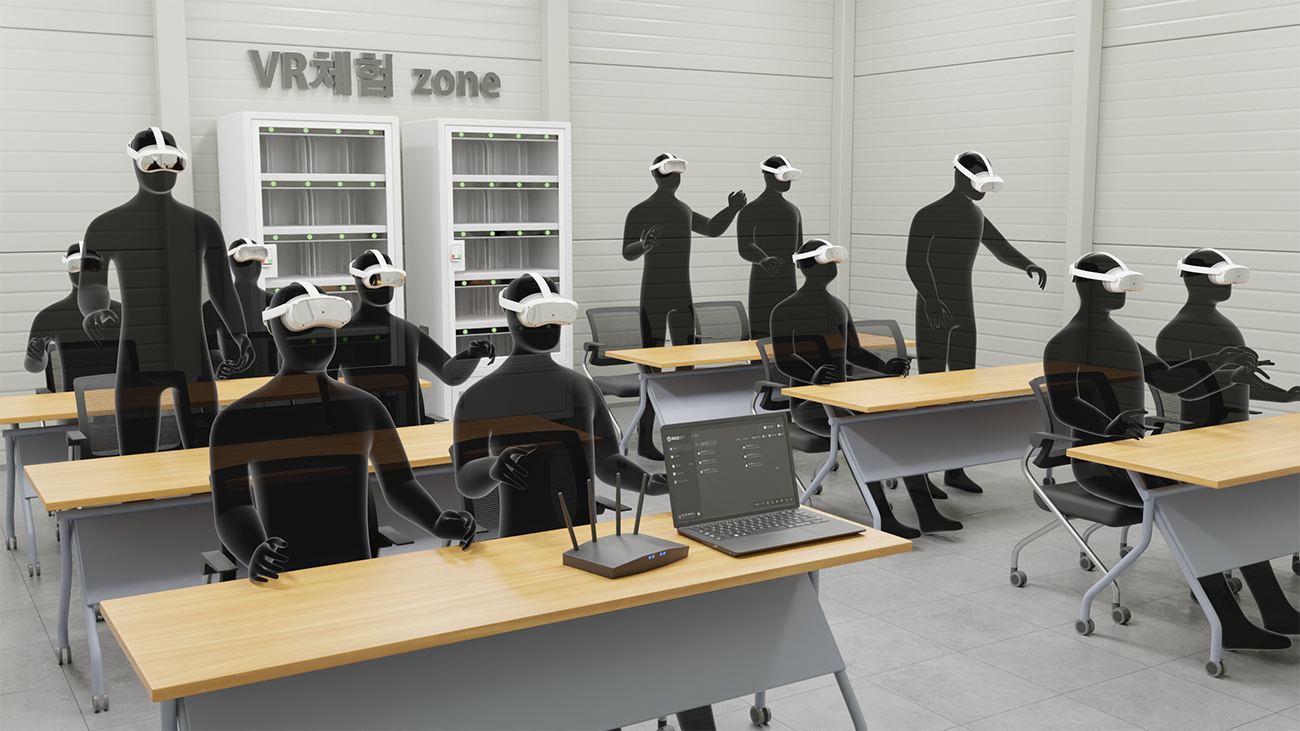
Wireless (Simulator X)
- Wireless HMD single configuration makes it easy to install and move and relatively low cost
- Content Management System (CMS) facilitates simultaneous training of multiple people (multiple controls, screen mirroring, etc.)
- Application of hand tracking technology to operate without a controller
Learn more
CMS Program
Client Management Program
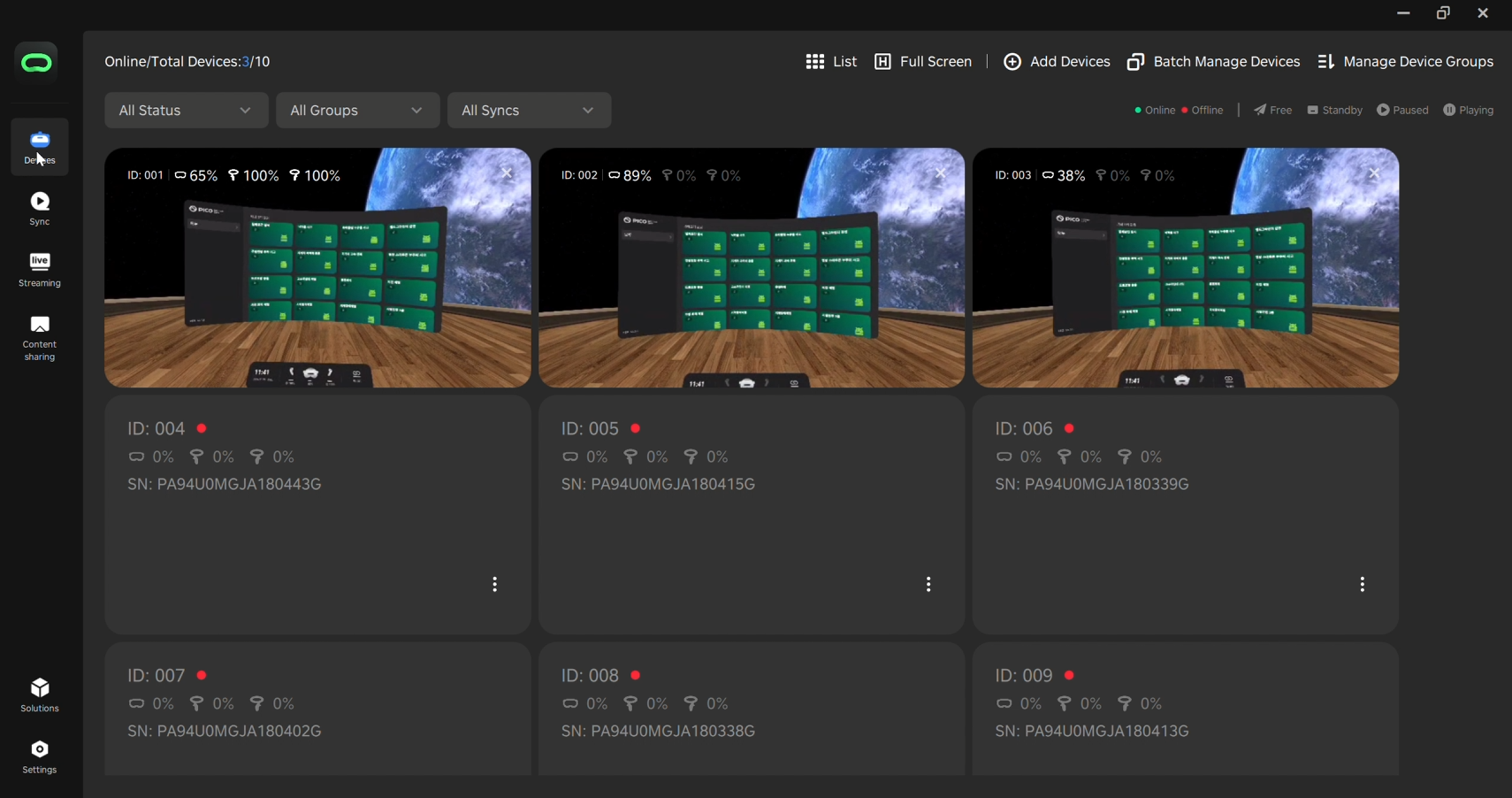
This CMS program is an integrated management solution fully compatible with PICO devices, enabling simultaneous control of multiple users.
It provides comprehensive operational features required for VR training, including content launch and termination, center alignment calibration, and volume control, ensuring efficient and systematic management in group training environments.
Built on a stable control framework, it enhances both operational convenience and user immersion in educational settings.
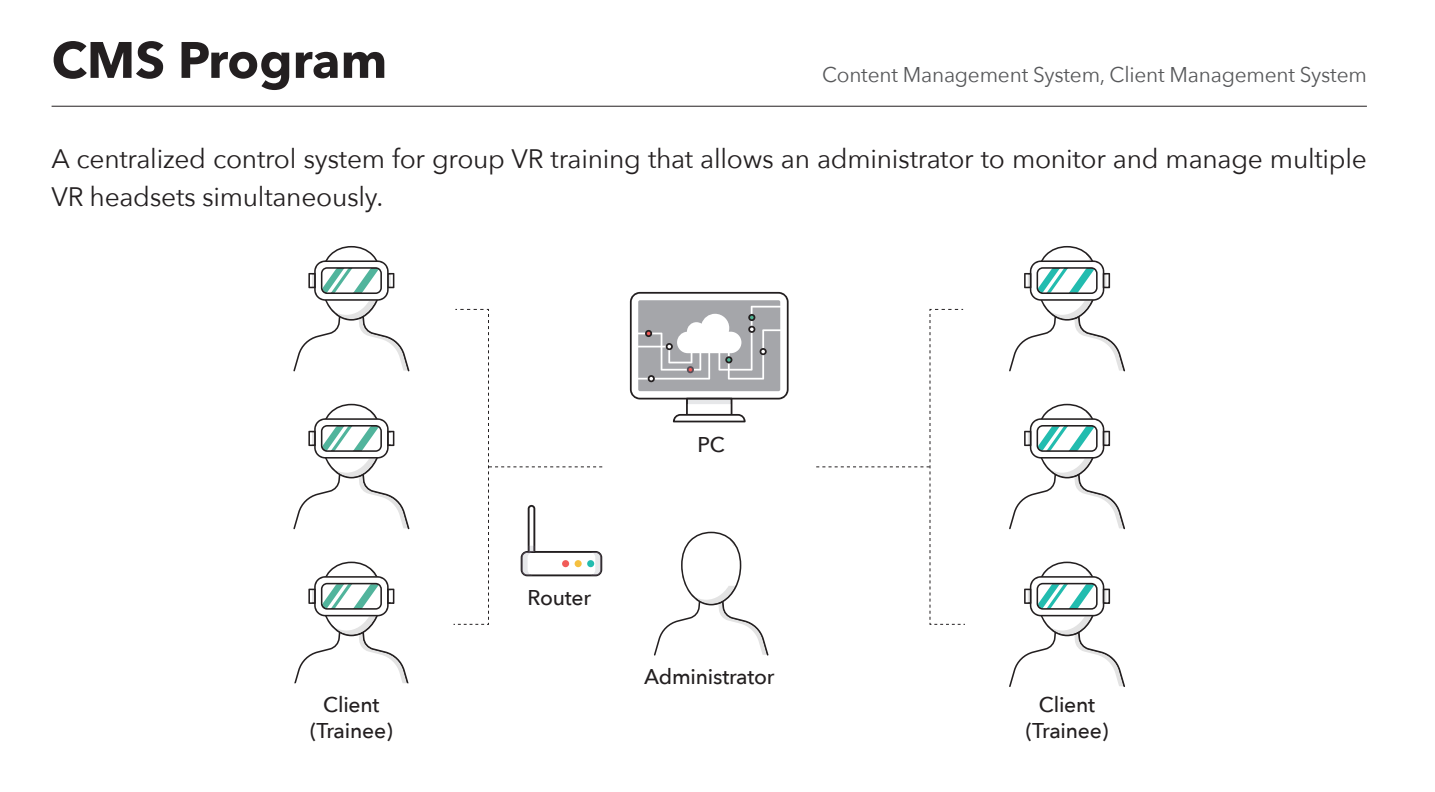
CMS Features
-
- Efficient operation of multiple devices 1
-
Centralized management of multiple VR devices
-
- Automatic device connection on the same network 2
-
Automatically connect through the same Wi-Fi network
-
- Stable system operation 3
-
Monitor device status in real time
- Stable system operation 3
-
- Consistent user experience 4
-
Operate multiple VR devices with the same setting
- Consistent user experience 4

Q&A
I already have a system built by a third party, can I buy only the software separately?
Even if it is no longer possible to support the existing system due to maintenance interruptions or production closures, if it is compatible with the HMD (VR device) owned by the customer, we can provide only our software separately. If the device model name is not confirmed or the information is uncertain because it has been built for a long time, we will provide technical review and consulting on whether or not it can be linked by just delivering a picture of the built VR device.
If you need consulting and consulting, please contact us through the Contact page on the website or at 02-2675-8803 business unit